
First drone flight in a browser
Fit and wire a practice quad, then take off in the same workbench. The walkthrough works with the assembly board and can be paused at any step.
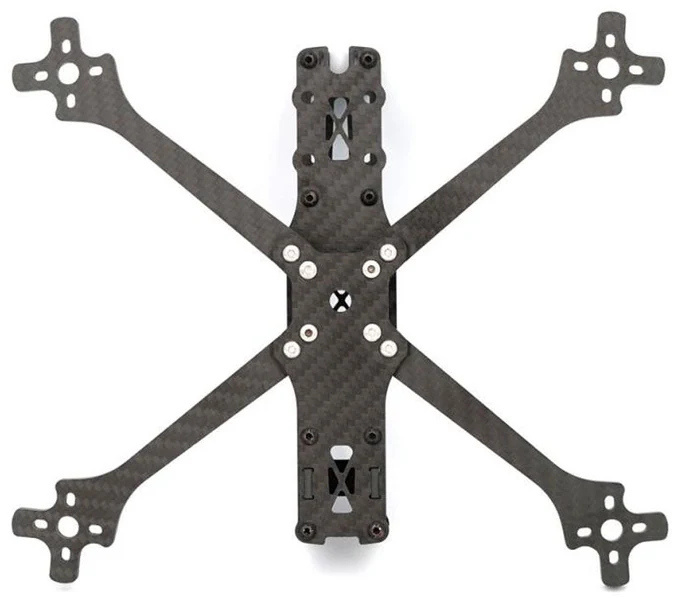
From an unwired quad to your first hover
- Fit the electronic speed controller. Open the assembly board and drag the ESC near its highlighted mount. Use Fit parts with Snap on to place the installed parts without dragging. The 3D tab lets you move, inspect and wire the same parts from another angle.
- Connect a circuit by hand. Open the battery circuit in Pin wiring. Connect both BAT+ pads and both BAT− pads. Each successful connection adds one conductor.
- Preview the remaining connections. Open Auto-wire to see which connections it proposes and which it will keep. Apply the plan. Build Checks can take you directly to conflicting pins or to fitting propeller choices.
- Take off and hover. In the simulator, choose Arm & take off. Release the controls and watch the altitude stabilize over the pad. You can fly in a 2D map view when WebGL is unavailable.
Pause, resume or keep the practice quad
Starting First Flight opens a separate practice build. Pause practice to return to your previous project. You can resume from First Flight in the same browser, skip any step or keep the practice quad when you finish.
Open Saved builds to compare versions or download a project backup with your custom models and assembly layout.